Bring something in.
Add your notes, a document, a webpage, or a recording to a workspace.
A little curiosity goes a long way.
Bring your materials. Speak with your AI tutor. Watch explanations take shape in real time, with drawings and interactive 3D models.
Open appYour friendly personal tutor for homeschool, self-study, and the next question.

Talk through a question while your tutor builds the explanation on the canvas. See connections appear one by one, explore 3D models, and ask to look closer.
Circle a part you want explained. Pause to ask a follow-up, then continue the lesson.
Try the tutor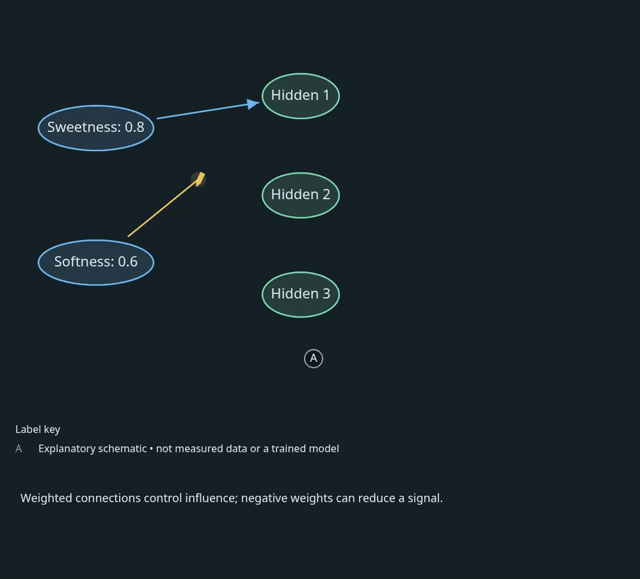
An 8-second excerpt from the canvas. Silent demonstration; live voice is available in the app.
There’s a difference between reading an explanation and making sense of it. Kurio gives you room to ask, explore, and try again.
Your questions shape the lesson.
Even the ones you didn’t know you had.
Explore diagrams, connections, and visual explanations. Watch the pieces come together instead of holding them all in your head.
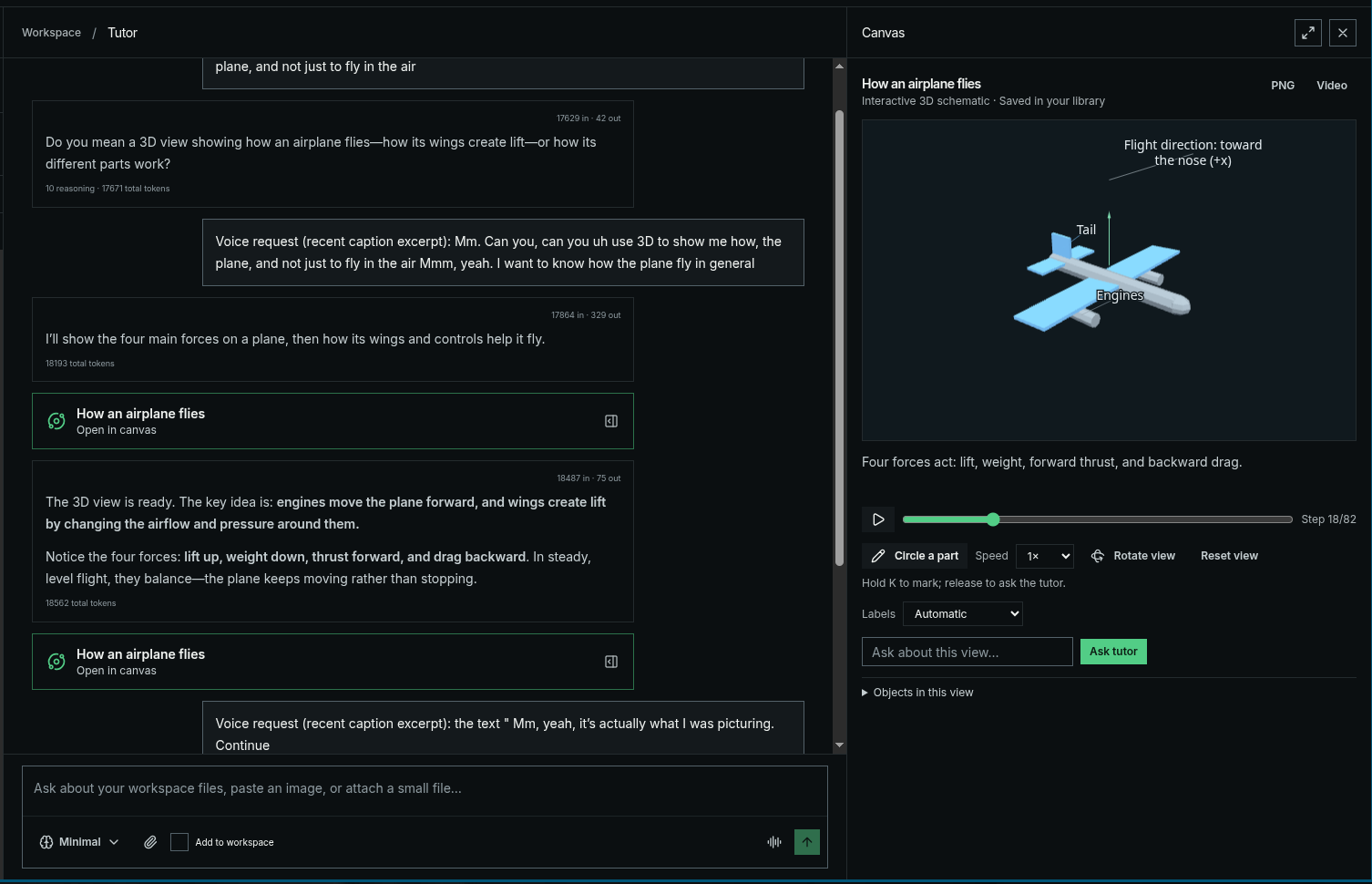
Need another example? Want to look closer? Keep following the question with a tutor you can talk to, in text or voice.
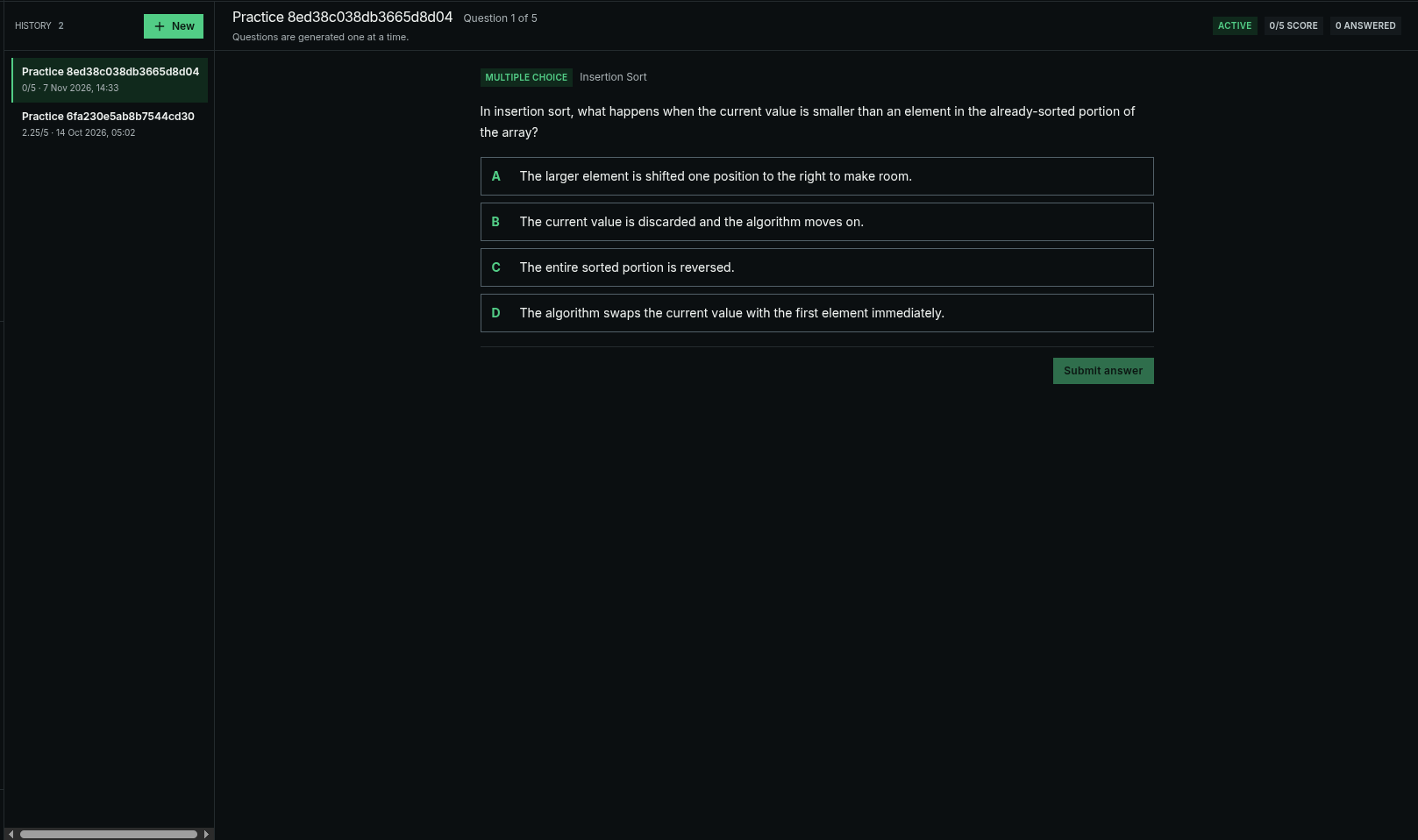
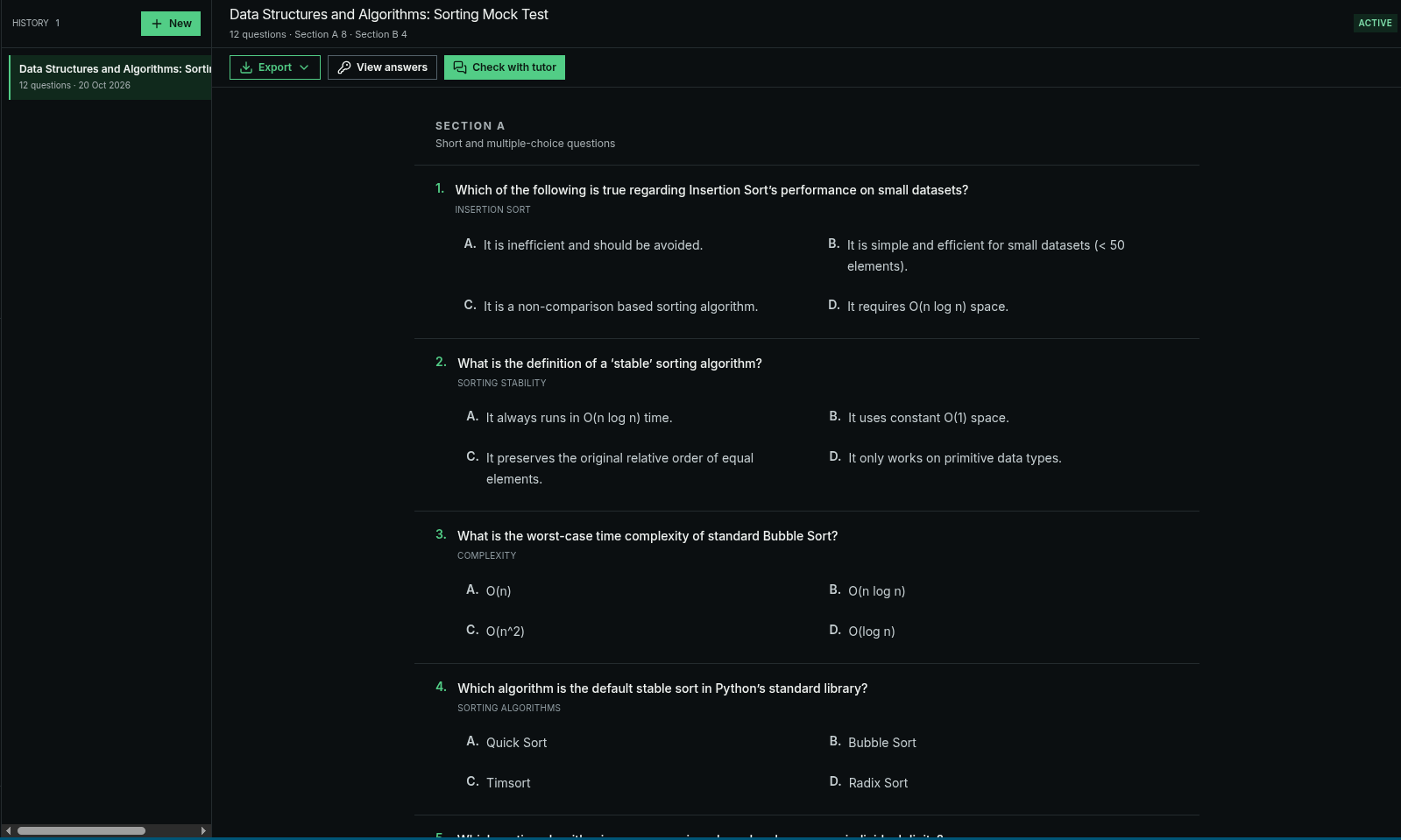
Move from explanation to practice with quizzes, flashcards, and mock tests around the topic you’re learning.
One place to collect the context,
work through the idea, and keep going.
Add your notes, a document, a webpage, or a recording to a workspace.
Talk it through. Ask for an example. Explore an explanation from another angle.
Check your understanding, revisit what needs work, and choose your next step.
Your sources, conversations, learning paths, and practice belong in the same learning space. So the next question has somewhere to start.
Explore the learning experience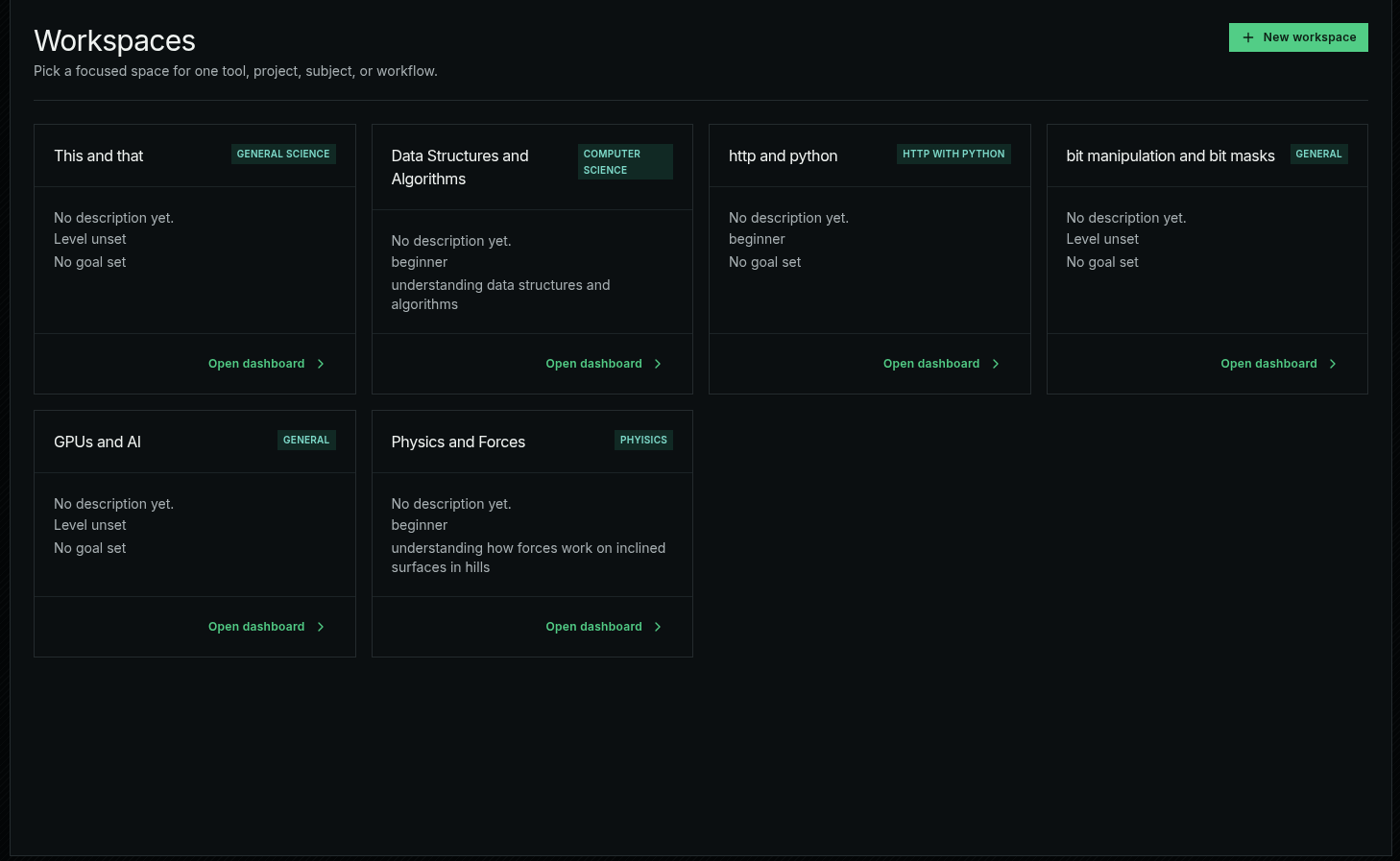
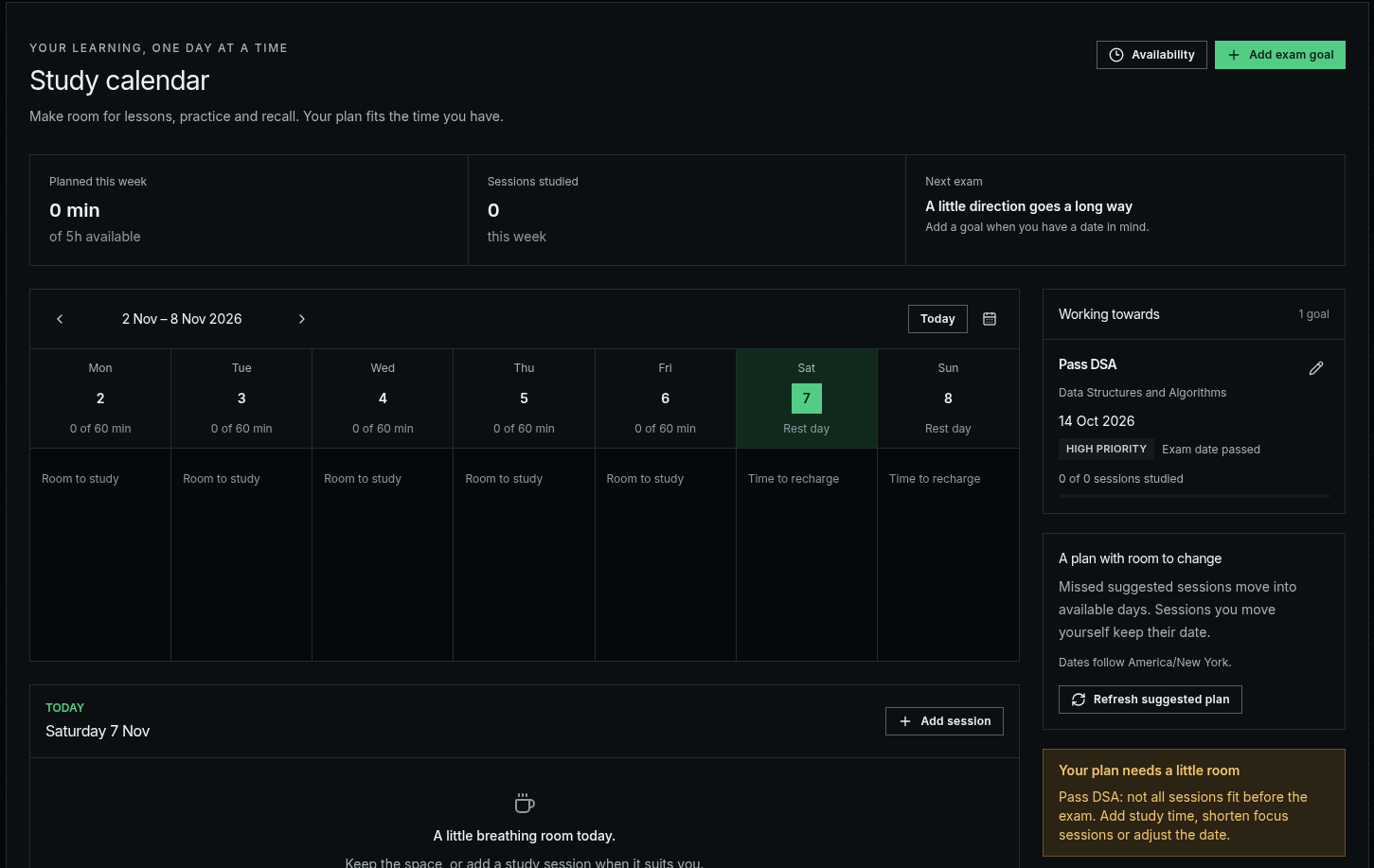
Prepare with mock tests and make room for your next study session.
A few things to know before
you open your first workspace.
You can import documents, notes, webpages, and supported audio or video recordings. Add the sources you want to work with to a workspace.
Kurio supports text and live voice conversations. Voice availability depends on your plan and the configuration of the app.
Ask a follow up, request an example, or focus on a part of the visual. The canvas supports pausing and continuing an explanation.
AI can make mistakes. Use your source materials to check important details, and ask the tutor to explain its reasoning and evidence.
Use quizzes, flashcards, learning paths, and mock tests to practice the topic and identify what you want to revisit.
Kurio offers a personal learning workspace for your sources, like a NotebookLM alternative, alongside interactive explanations and practice. If you’re looking for a less opinionated Brilliant alternative, bring your own materials and let your questions guide the lesson.
Use Kurio as an AI tutor alongside your homeschool curriculum or independent study materials. Explore concepts through live learning, real-time animations, diagrams, and 3D models, then check your understanding with practice. Learners and educators should verify important answers against their sources.
Open the app, sign in, and create a workspace for a topic. Visit the current plans page for availability and pricing.
Bring your curiosity. Give it somewhere to go.
Open appExplore the current plans and choose your starting point.